Product: Quark Publishing Platform (QPP)
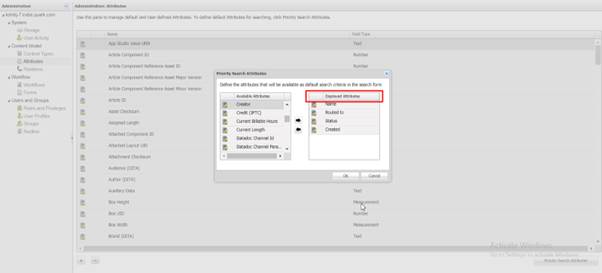
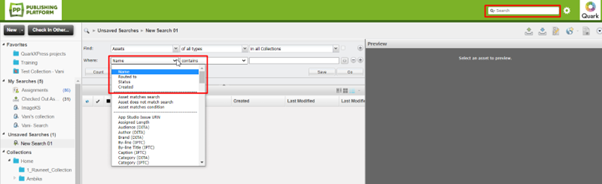
Priority search attributes display at the top of the list of search criteria in the search controls. After the priority search attributes, all search attributes display alphabetically.
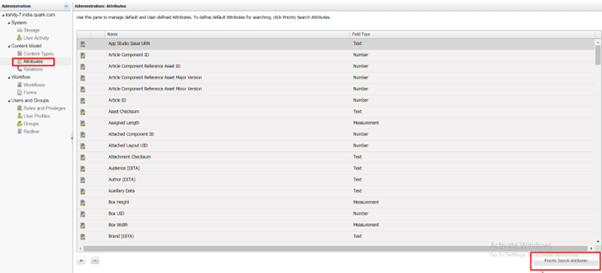
To apply this property – Go to Admin Portal >> Content Type >> Attributes >> And click on “Priority Search Attributes” at the bottom.
Once the settings are applied it will appear in the search sections on the Client Machine
Priyanka Bhotika
Comments