Product: Quark Publishing Platform (QPP)
Solution:
You can use QPP Workspace Client (web client, (http://ServerName Or IP:61400/workspace) and QPP Client (thick client) to archive QPP assets when you're finished with them, and QPP provides a restore mechanism if you need to reintroduce these assets to your QPP workflow. Archiving assets requires the "Enable Asset Archiving" privilege.
Steps to Archive Assets:
- Login to QPP workspace and select one or more assets to archive.
- Click Archive in the QPP Client Workspace toolbar or right-click to open the context menu and select the Archive Assets option. The Archive Assets dialog box displays:
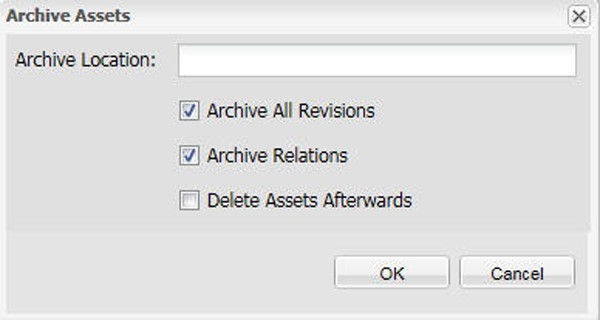
3. Specify a folder for storing the archives. This folder should exist on the machine on which QPP server is running. Select the options you want to apply and click OK.
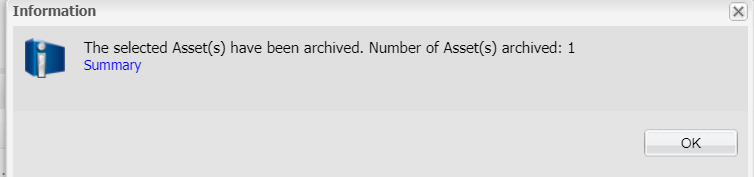
4. The selected assets are copied to the location you specify, and the attribute information for these assets is combined in a single XML file.
Priyanka Bhotika
Comments