Product: Quark Publishing Platform (QPP)
Solution:
In QPP, you can use a Job Jackets file to define a Job Ticket with a collection of default resources for each collection. You can also open and edit a Platform Job Jacket from the Job Jacket Manager dialog.
To assign Job Jackets:
1. Login to QPP Workspace
2. Right-click the collection and choose Edit Collection. The Edit Collection dialog box displays.
3. Click Job Jackets in the list on the left. The Job Jackets pane displays.
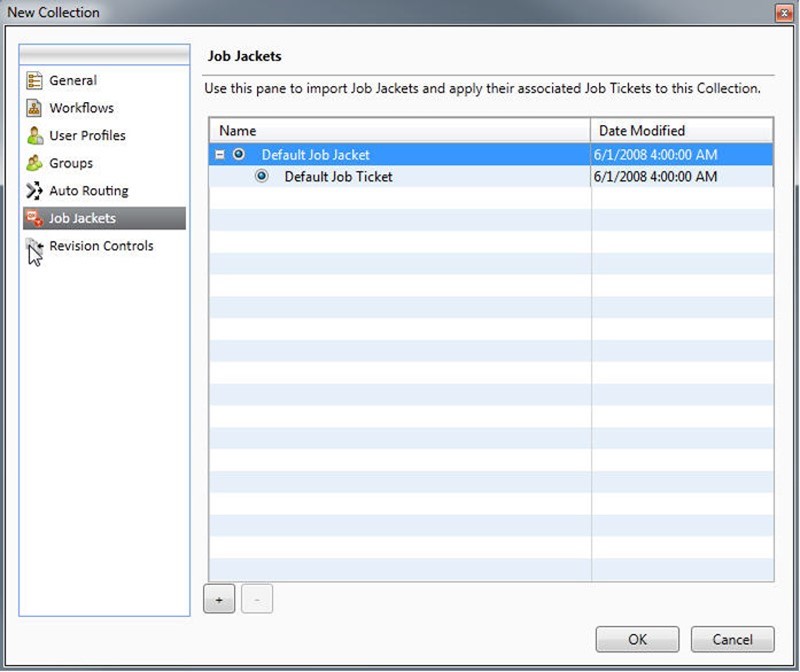
4. To import a Job Jackets file, click +, navigate to the target Job Jackets file, and then click Open.
5. To specify which Job Jackets file to use with the collection, select the Job Jackets file.
6. To specify which Job Ticket to use with the collection, expand its Job Jackets file and then select the Job Ticket.
Priyanka Bhotika
Comments