1. Make sure that QuarkXPress Server is running.
2. Launch jconsole from C:\Program Files\Quark\QuarkXPress Server 2018\server-jre-8u131\jdk1.8.0_131\bin.
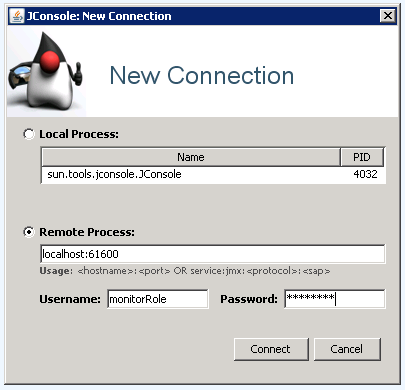
3. On the login window, choose remote process and enter username and password and click connect.
4. Click insecure connection and then connect:
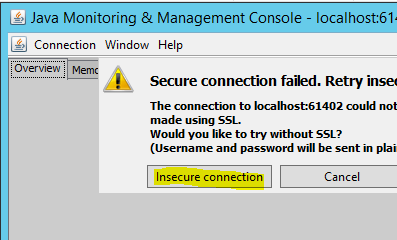
5. If the login is successful, then we can be sure that only authorized users can remotely connect to QXPS Server.
Priyanka Bhotika
Comments