Solution: Following steps can be used to configure the SSO (Single Sign On) for QPP application.
For the Admin web app:
-
Go to
C:\Program Files\Quark\Quark Publishing Platform\Server\webapps\admin\WEB-INF -
Open the "Web.xml" file and uncomment the following snippet:
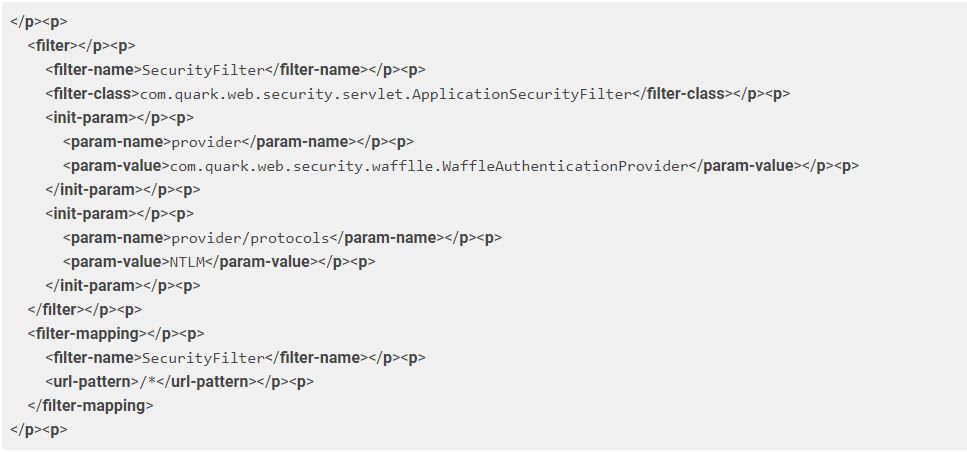 3. Save the file.
For Workspace and Desktop clients go to the respective web app, open the web.xml file and uncomment the same snippet.
-
For desktop clients:
C:\Program Files\Quark\Quark Publishing Platform\Server\webapps\webservices\WEB-INF -
For workspace:
C:\Program Files\Quark\Quark Publishing Platform\Server\webapps\workspace\WEB-INF
Priyanka Bhotika
Comments